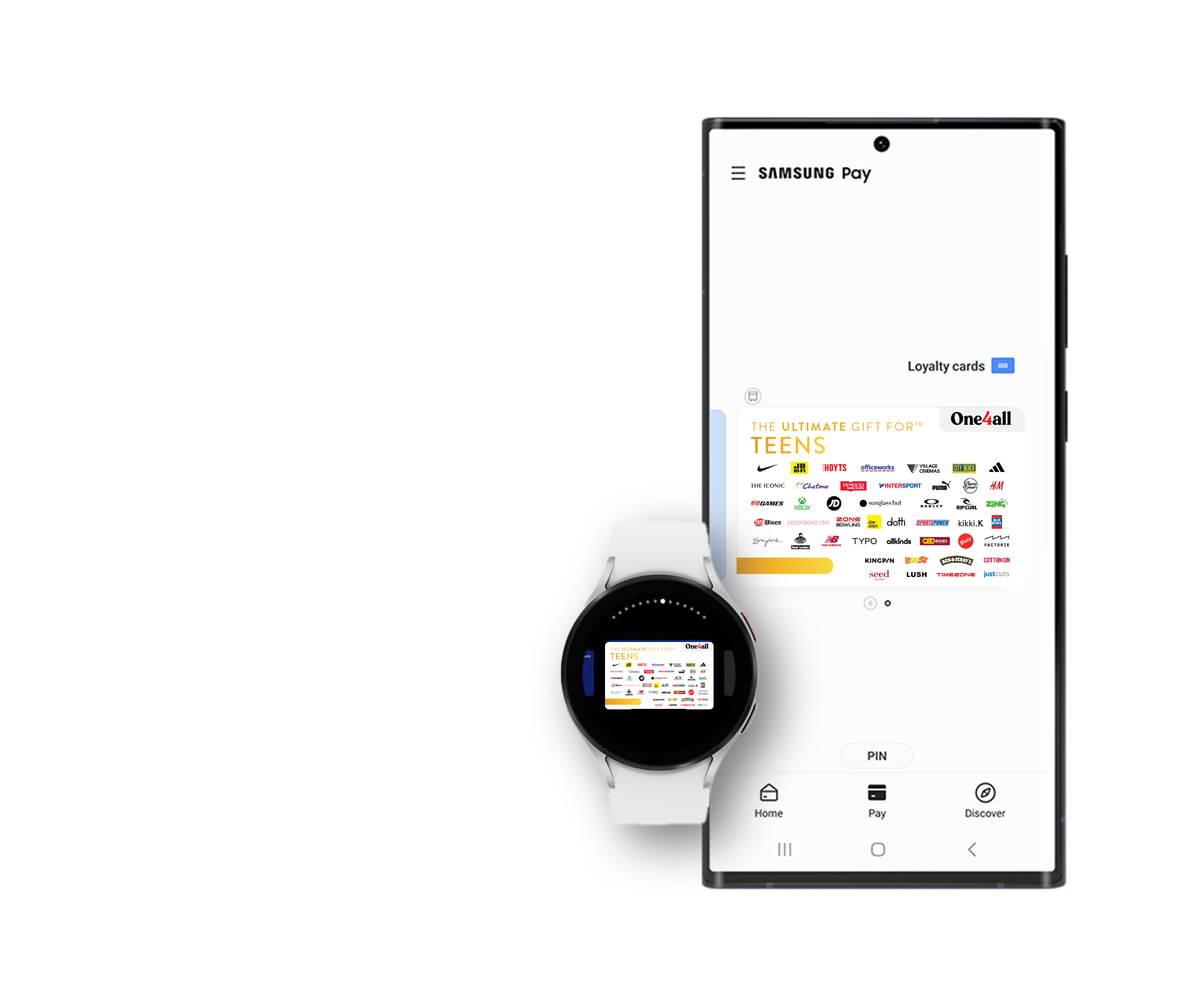
ADD YOUR ULTIMATE GIFT CARD TO YOUR SAMSUNG WALLET

ADD YOUR DIGITAL OR PHYSICAL ULTIMATE GIFT CARD IN 5 SIMPLE STEPS!
1. Open your Samsung Wallet
CLICK ON THE ‘+’ ICON LOCATED ON THE TOP RIGHT OF YOUR SCREEN AND SELECT ‘PAYMENT CARDS’.

2. Enter Your Card Number
SCAN THE FRONT OF THE CARD OR CLICK ADD CARD MANUALLY & ENTER YOUR CARD NUMBER STARTING WITH 457824.
THIS NUMBER COULD BE LOCATED ON THE FRONT OR THE BACK OF YOUR PHYSICAL CARD.
3. Add Your Details and Valid Thru Date
ADD YOUR NAME UNDER ‘CARD HOLDER’ AND THE VALID THRU DATE ON THE FRONT OF YOUR PHYSICAL CARD
*If your Valid Thru/Expiry Date is not located on the front of your physical card please enter 12/29

4. Add the CVV
ADD THE CVV LOCATED ON THE BACK OF THE CARD UNDER THE SCRATCH PANEL OR FOIL.
IF YOU HAVE A DIGITAL EGIFT CARD, THE EXPIRY DATE AND CVV ARE LOCATED BELOW THE CARD NUMBER
5. Ready to Use
YOUR ULTIMATE GIFT CARD IS NOW ADDED TO YOUR SAMSUNG WALLET.
TAP YOUR PHONE AGAINST THE EFTPOS TERMINAL TO MAKE AN INSTORE PURCHASE
FAQs
I’m having trouble adding my Ultimate Gift Card to my mobile wallet
Apple, Google, and Samsung Wallets have limits to the total number of cards a user can have in their wallet at any one time. These companies have their own security process that may stop a user from being able to add a card to their digital wallet. Ultimate Gift Cards has no control of these security protocols put in place by Apple, Google, or Samsung Wallets.
The Add to Mobile Wallet function is not working, how can i add my eGift to wallet?
For Ultimate eGift Cards to add your card to Apple, Google or Samsung Pay wallets, use the ‘add card manually’ feature on your device’s digital wallet, enter the Card Number, Expiry Date and CVV of your card, and then the name, address and telephone number used for your card’s registration. We are actively working on resolution to the ‘Add to wallet’ feature and hope to have fixed soon. We apologies for the inconvenience
What is Apple Pay?
Apple Pay is a digital wallet from Apple which lets you use a compatible iPhone, iPad, Apple Watch and Mac to make secure contactless purchases in stores, within selected apps and participating websites in Safari on Mac, using your Ultimate Gift Card.
I’m having trouble paying with my Apple, Samsung, or Google mobile wallet, what should I do?
Make sure the card details are correct by double-checking that what you’ve entered exactly matches your card number, expiry date and CVV. If you still can’t complete a contactless payment, try again with the below tips or reach out to the wallet provider directly for further assistance.
i) Make sure your phone is awake and unlocked.
ii) Hold your phone in a different way. Your NFC antenna could be near the top or middle of your device.
iii) Hold your phone closer to the payment reader.
iv) Hold your phone close to the payment reader for a few more seconds.
How do I add my Ultimate Gift Card to my mobile wallet?
Ultimate Gift Cards can be added to your Apple, Samsung, or Google mobile wallet. To add your Ultimate Gift Card to your mobile wallet follow the steps below:
Add your eGift to your Mobile Wallet
Click on the eGift link sent to your email.
Fill out the registration form to activate your eGift.
Go to the Wallet app on your mobile device.
Click on the plus icon.
Select Debit or Credit card on the next screen.
Enter your card details from your eGift.
Your card has now been added to your mobile wallet.
Add your Physical Card to your Mobile Wallet
Go to the Wallet app on your mobile device.
Click on the plus icon.
Select Debit or Credit card on the next screen.
Enter your card details. If your Expiry or Valid Thru date is not printed on the card, please see below:
For physical Ultimate Gift Cards, your online shopping and add-to-wallet card expiry is 12/29.
For digital Ultimate eGift Cards, please check the expiry on your eGift.
Your card has now been added to your mobile wallet.